Buy a smart key box without assuming a subscription: check each model's service requirements, separate hardware from recurring costs, read offline limits.
This guide is not medical advice. Stop use if significant pain, numbness, swelling, discoloration or circulation concerns occur.
Smart key boxes look like one purchase and are often two: the hardware, and a service that some models require for their headline features. Assuming “it costs what the page says” is how buyers meet their first renewal bill as a surprise. The check is documentation-level and model-specific.
This guide builds that check across the QIUI family’s documented examples — the Metal Key Pod and the Key Pod Pro. The family comparison is in the models comparison.
Check the exact service requirements
Per model, from the maker’s current documentation: the Key Pod Pro’s listed cellular setup requires an active QIUI VIP membership — a recurring service condition attached to its headline features. The Metal Key Pod’s listing documents Bluetooth, an offline timer and USB-C without membership language. Same family, different dependency structures — and the difference is only visible if you read each model’s own page rather than the family’s marketing.
Write the requirements down per model before comparing prices: hardware cost plus service cost is the real price of a cellular-connected box.
Separate hardware price from recurring costs
The checkout number is the hardware; the true cost of ownership adds any membership, data service or app-tier fee the chosen features depend on. A Bluetooth-only box has a flat cost profile: buy it, charge it, done. A cellular box bills for its reach as long as you want the reach. Neither structure is wrong — but they are different commitments, and the comparison must show the commitment, not just the cart.
Also note what the recurring fee buys: on the Pro’s documented terms, the cellular connectivity. Lose the membership and you may lose the feature that justified the model choice — which is exactly why the dependency check comes before the purchase.
QIUI Smart Key Holder – App-Controlled Metal Key Pod
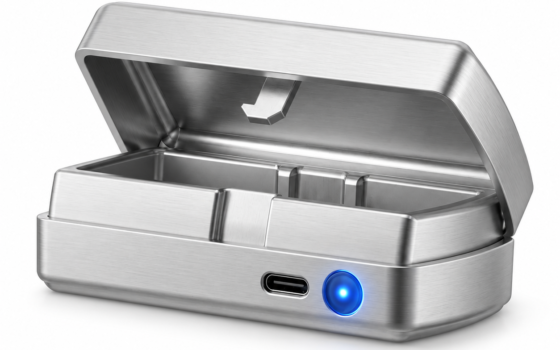
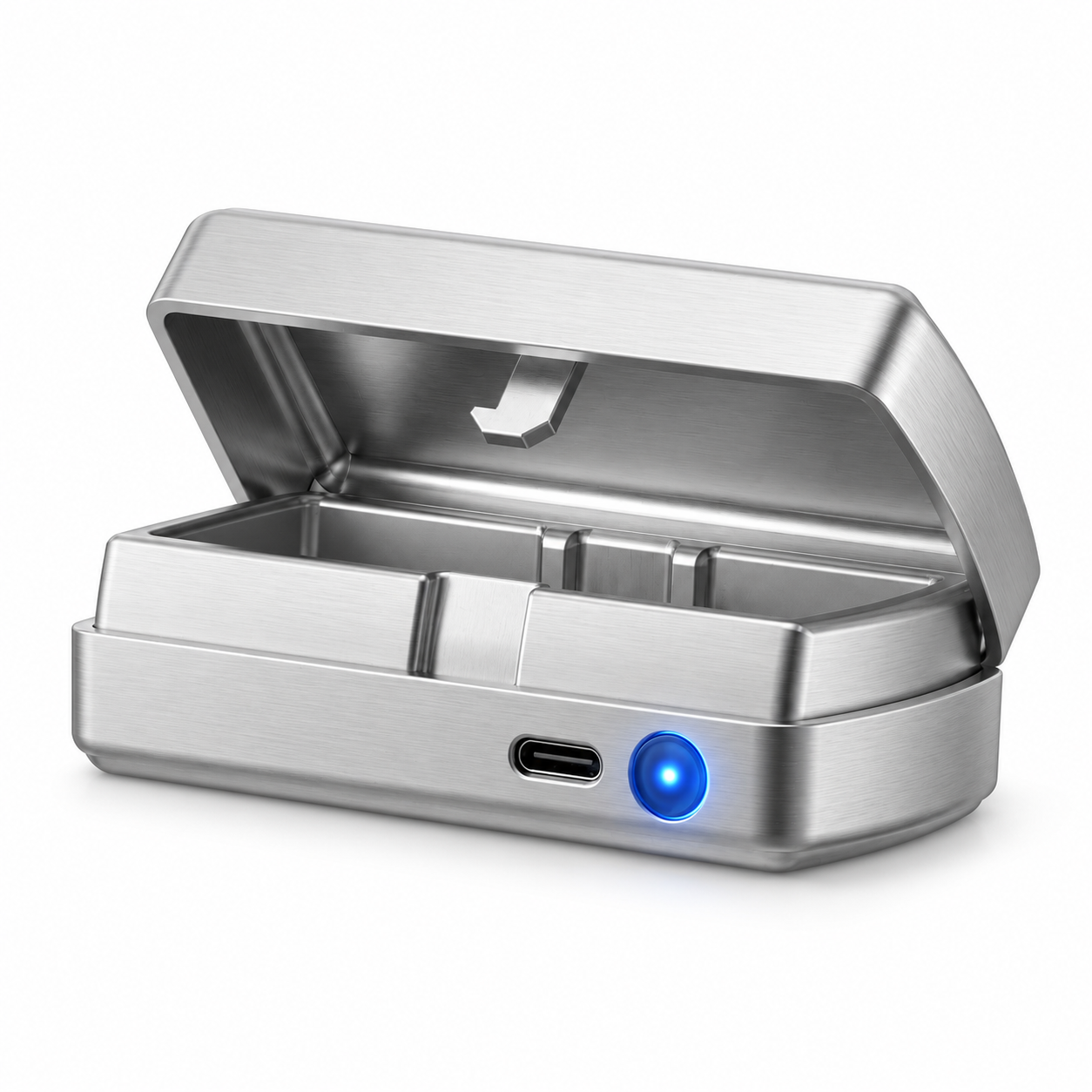
The flat-cost Bluetooth example: The QIUI Metal Key Pod documents Bluetooth and app control, an offline timer and USB-C charging — local control with no membership language in its listing, making its cost profile the family’s simplest. Check: its emergency planning still requires a separate physical spare key outside the box; the offline timer manages rituals, not exits.
 View QIUI Smart Key Holder – App-Controlled Metal Key Pod at ChastityCage.co
Read offline and remote limitations
Every model has an offline story: the Metal Pod’s documented offline timer runs its countdown without a phone; the Original’s app connection needs local Bluetooth for live control. Read what each box does when the phone is away, the app is deleted, the service lapses or the battery dies — from the official documentation, not from reviews. The offline behavior is the model’s character; everything remote is its convenience.
Test the documented behaviors on arrival with an empty box: pairing, timer run, phone-away behavior, low-battery warning. Documentation verified by your own ten-minute test is worth more than any spec sheet.
QIUI Key Pod Pro
And the service-dependent example: The Key Pod Pro documents cellular features whose setup requires an active QIUI VIP membership — recurring cost and service availability belong to this model’s decision in a way they do not for the Bluetooth boxes. Check: verify the membership terms and regional availability for your location before choosing the Pro for its reach.

Choose only from current model documentation
Choose from the current official documentation for the exact model — features, service terms, offline behavior as published now. Model lineups change, services reprice, app versions remove features; a decision built on last year’s listing or a review’s screenshot inherits their staleness. The current manual is the contract; everything else is marketing with an expiry date.
And whatever the documentation says, the standing rule holds: the emergency key lives outside every box, outside every service, outside every battery. The documentation tells you what you are buying; the spare key tells you what you can always rely on.
Service requirements per model, hardware separated from recurring costs, offline behavior read and tested, decisions from current documentation: the subscription-aware way to buy a smart key box. The right model is the one whose full cost and dependency structure you accepted knowingly — with the boring spare key standing outside it all.
This guide includes promotional links to ChastityCage.co. To compare the family’s documentation, browse QIUI wireless products at ChastityCage.co.
Related ChastityNow guides
- QIUI Key Pod vs Metal vs Pro
- Bluetooth vs cellular key boxes