Use your own authorized account for a smart key box: chosen ownership, no shared passwords, maker-supported sharing controls, consensual and revocable.
This guide is not medical advice. Stop use if significant pain, numbness, swelling, discoloration or circulation concerns occur.
Shared passwords are the shortcut that turns a smart key box into a shared liability. The supported pattern is account ownership plus the maker’s permission controls: one owner, explicitly granted partner access, explicitly revocable. This guide sets that structure up correctly from the start.
The permission-model details are in the pairing-permissions checklist; this page covers the account decision itself.
Identify account ownership
The account that pairs the box first typically owns it — its settings, its timers, its permission grants. Decide deliberately which account that should be before pairing: the wearer’s, the keyholder’s, or a dedicated account you both control. Default ownership is an accident of who unboxed first; chosen ownership is a decision you made together and wrote down.
Record the owning account identity in the kit records with the pairing date. When a phone is lost or a relationship changes, the record is what makes the question answerable.
Avoid shared passwords as a shortcut
Sharing the owner’s password with a partner seems simpler than learning the permission system — and it forfeits every control the system exists to provide. A shared credential cannot be revoked without changing it everywhere, cannot distinguish who did what, and outlives the arrangement it was created for. The maker’s supported sharing exists precisely because the shortcut is worse.
The same rule protects the owner too: with proper per-account access, neither party’s other accounts are one leaked password away from the box.
Read supported sharing controls
Use only the sharing features the maker’s current app documents: partner access with defined permissions, view-only modes where offered, and the revocation path. Check what the shared account can actually do before granting it — control, visibility, or timer management — and grant the minimum the arrangement needs. The QIUI Metal Key Pod’s sharing surface is whatever its current app documents; verify it in the app, not in a product page’s promise.
Grant, test, and confirm the granted account sees exactly what was intended — then the sharing is a feature rather than a standing risk.
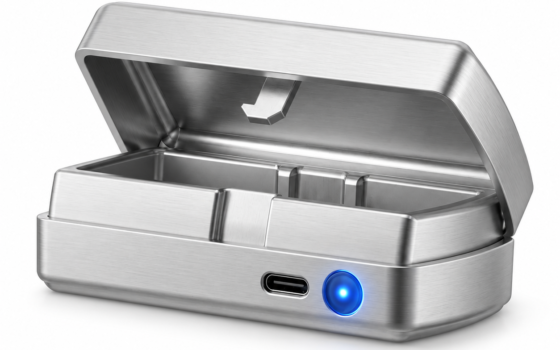
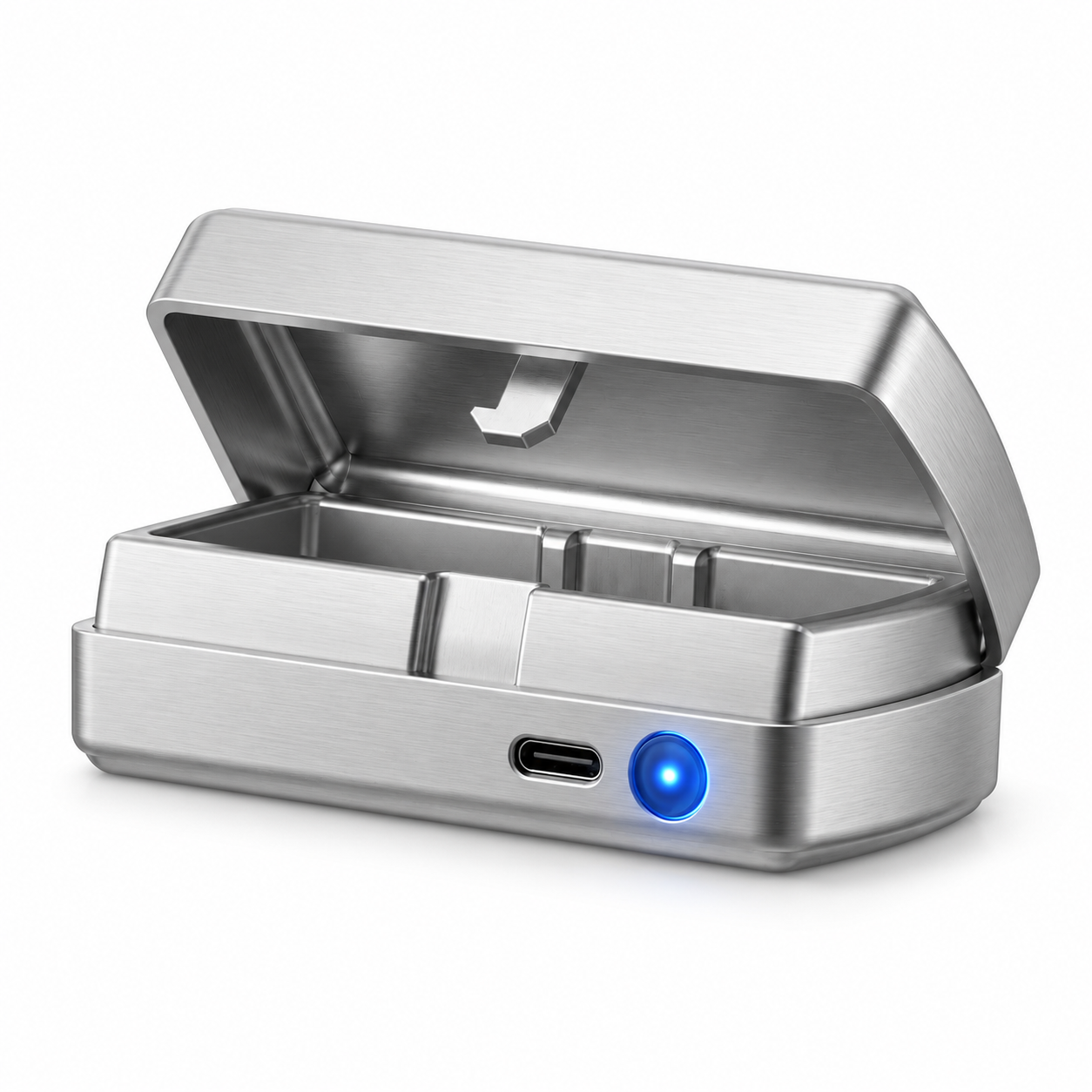
QIUI Smart Key Holder – App-Controlled Metal Key Pod
The box whose account structure this guide sets up: The QIUI Metal Key Pod pairs to a managing account whose app controls its timers and sharing — pair it under the account you chose deliberately, with sharing granted through the app’s documented controls and revocable on the same terms. Check: the pod stores the ritual key; the emergency spare stays outside this account structure entirely.
 View QIUI Smart Key Holder – App-Controlled Metal Key Pod at ChastityCage.co
Keep access decisions consensual
Every permission grant and revocation is a decision both people understand and agreed to: what the partner can control, what stays owner-only, how access ends. Consent to hold a key is not consent to surveillance, and access granted in enthusiasm should be as easy to review soberly as it was to grant. Write the arrangement beside the emergency-key plan; the two documents protect both people equally.
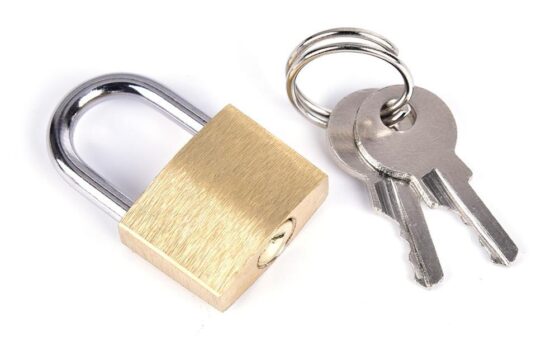
And the standing rule holds underneath every permission setting: the emergency spare key lives outside the box, outside the app, outside any account — physical, boring, and independent of everything digital in this paragraph.
One owner chosen deliberately, no shared passwords, sharing through documented controls, revocation that works, consent written down — and the spare key that answers to none of it. The account structure is the smart box’s real configuration; set it up as carefully as the hardware, and the technology stays a toy instead of becoming a trap.
This guide includes promotional links to ChastityCage.co. To set up the account structure, view the QIUI Metal Key Pod at ChastityCage.co.
Related ChastityNow guides
- Smart key box permissions checklist
- Smart key box vs smart cage