Before moving the key-box app to a new phone: read the maker's migration steps, keep recovery access independent, confirm supported OS, and re-pair with an empty box.
This guide is not medical advice. Stop use if significant pain, numbness, swelling, discoloration or circulation concerns occur.
Changing phones is the most common way a smart key box loses its owner. The app lives on the old device; the new one starts blank; and the box in between still enforces whatever was last set. A deliberate migration prevents that gap from becoming a lockout.
This guide covers the preparation before the move, using current model documentation only — no invented app menus. The account-structure background is in the authorized-account guide, and the model family comparison in the QIUI models comparison.
Read the current migration instructions
Open the maker’s current app and support pages and read their migration or device-change steps for your exact model before touching anything. App versions differ in how pairing, timers and settings transfer — some carry over with the account, some must be re-set on the new device. What the documentation states is the plan; what it does not state is the part you test carefully rather than assume.
Save or screenshot the instructions before starting: migration screens have a way of asking questions mid-process that the first screen did not mention.
Keep recovery access available
Two safety nets stay in place for the entire move: the physical emergency spare key outside the box (unchanged, unboxed, boring), and the box’s own recovery path as the documentation describes it. Do not begin the migration while a timer is running, and do not let the spare key’s location depend on the old phone surviving the process. The move should be reversible at every step because the exit never depended on either phone.
If the box is empty during migration — and it should be — the worst case is a re-pair, not a crisis. That is the point of moving an empty box.
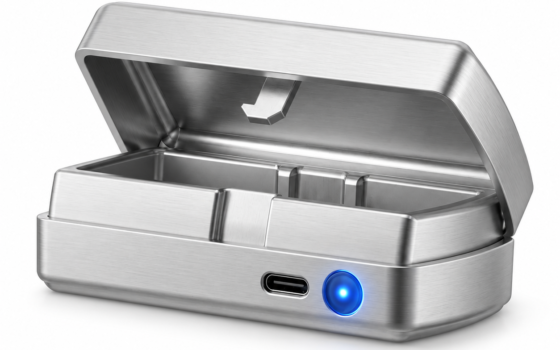
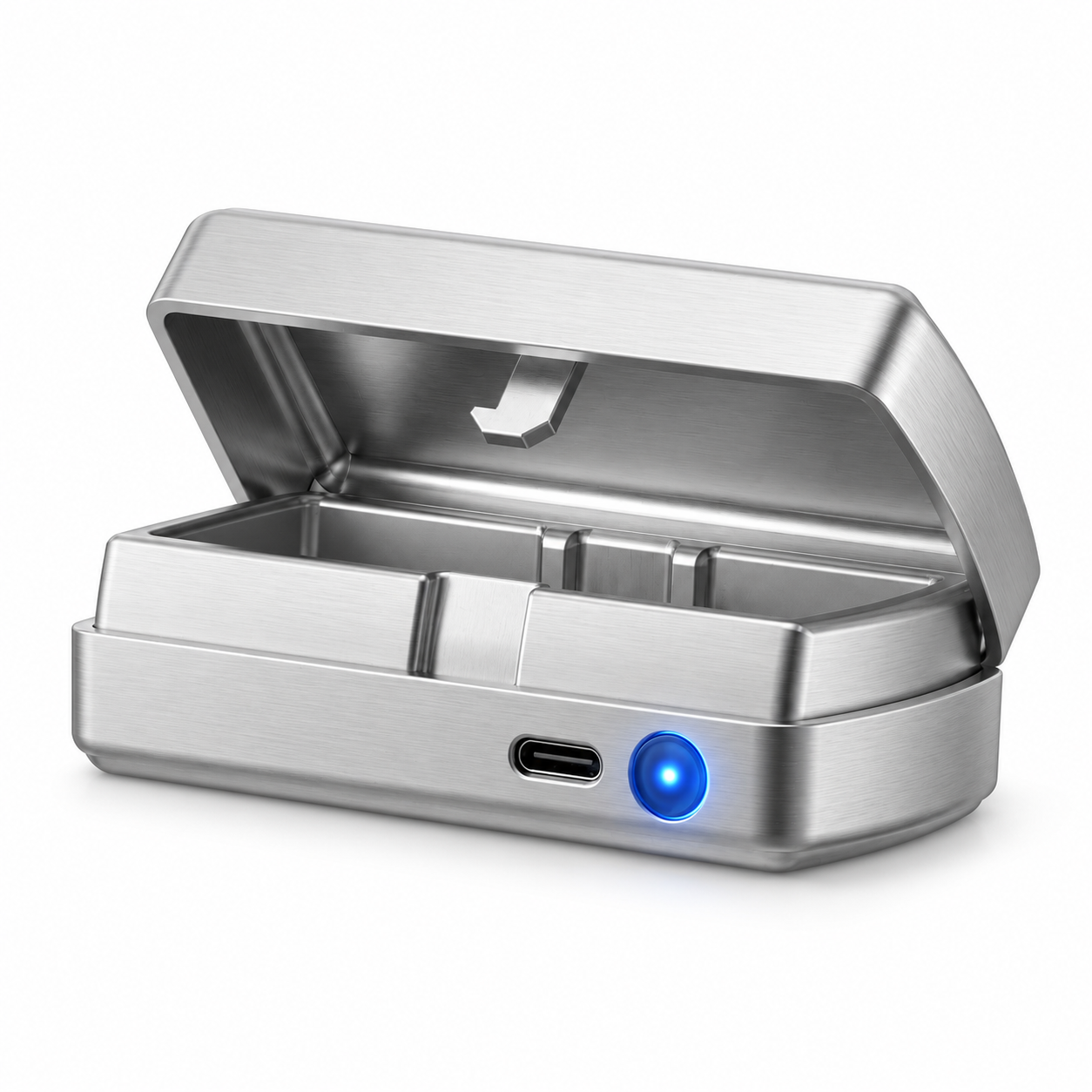
QIUI Smart Key Holder – App-Controlled Metal Key Pod
The box being migrated: The QIUI Metal Key Pod documents Bluetooth and app control with an offline timer and USB-C — follow its current migration steps rather than assuming settings carry over, and keep the ritual key out until the new pairing proves itself. Check: the app’s supported OS list for the new phone before installing, and the emergency key’s independent location before starting.
 View QIUI Smart Key Holder – App-Controlled Metal Key Pod at ChastityCage.co
Check supported operating systems
Before installing anything, confirm the new phone’s OS version is in the maker’s supported list for your model’s app. An unsupported beta or an outdated OS can pair but misbehave — timers drifting, connections dropping. The supported-OS row is published per app version; check it on the maker’s page, not on the app store’s compatibility badge alone.
Also confirm Bluetooth permissions for the new install: the app needs them granted at the OS level, and a permission missed during setup is the most common post-migration complaint.
Complete setup with an empty box
Run the entire migration with no key inside: remove the old app or disconnect per the documentation, install on the new phone, pair, verify the timer works, and only then return the key. Testing with the box empty converts migration failures into minor inconveniences — a re-pair instead of a lockout. The ritual key goes back in only after the new setup has proven itself.
And the standing architecture survives the move unchanged: the emergency spare key stays outside the box, outside both phones, exactly where the records say it lives.
Read the migration steps, keep the recovery key independent, verify the new phone is supported, and complete the move with an empty box. A phone change is a two-coffee task done deliberately — and a lockout done any other way. The box does not care which phone manages it; your preparation decides whether the handover is boring.
This guide includes promotional links to ChastityCage.co. To review the current models, browse QIUI wireless products at ChastityCage.co.
Related ChastityNow guides
- Authorized accounts for a smart key box
- QIUI Key Pod vs Metal vs Pro