Smart key box battery claims decoded: standby vs active use, stated charging requirements, documented low-power behavior — no borrowed numbers between models.
This guide is not medical advice. Stop use if significant pain, numbness, swelling, discoloration or circulation concerns occur.
Battery claims are the least audited numbers in smart hardware: “weeks of standby” travels between models, across listings and into buying decisions without ever being pinned to a charging pattern. The honest reading takes three questions and refuses to borrow — each model’s battery story is its own.
This guide builds that reading for the QIUI family’s two documented boxes without inventing endurance numbers. The models’ connection differences are covered in the Bluetooth-versus-cellular comparison.
Is the claim standby time or active use?
Standby is the box idle, electronics dormant, no phone connected — the easy number, and the one marketing leads with. Active use is app sessions, timer runs, lock actuations — the pattern your actual routine creates. A claim that doesn’t say which it is, isn’t a claim; it’s a vibe. Read the listing’s own wording and note which kind of number you were given.
Your routine converts the claim into reality: a box opened twice a week lives a different battery life than one cycled daily. Whatever the maker states, your usage is the multiplier that turns spec into experience — which is why the pre-purchase question is always “standby or active,” never “how long.”
Which charging requirements are specified?
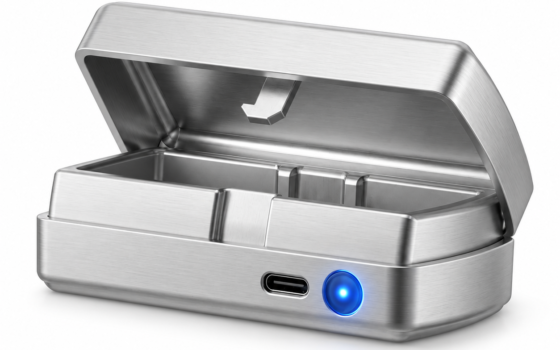
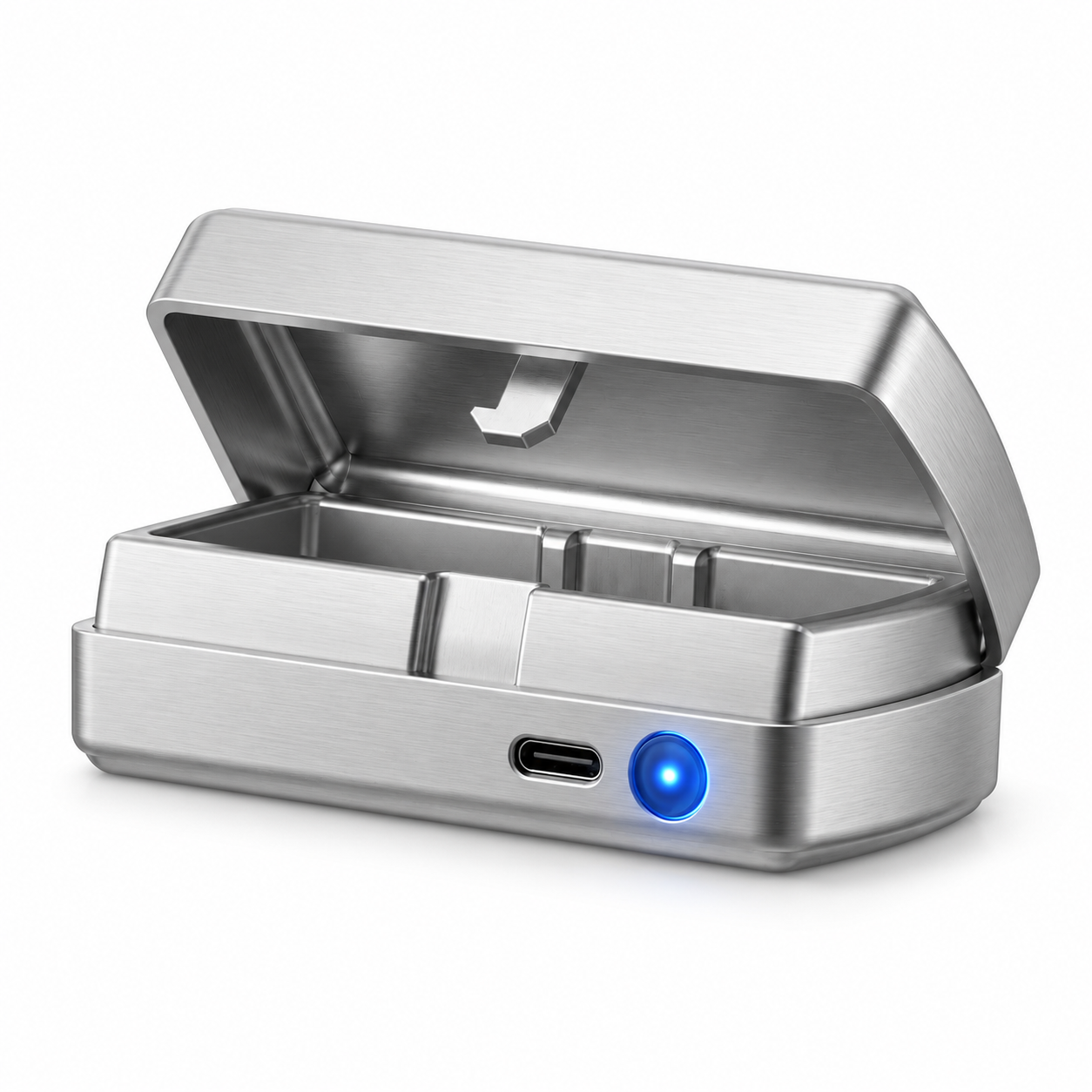
The stated hardware and habits: both QIUI boxes in this family list USB-C charging — the port is documented; the charger’s output requirements, cable quality expectations and charging-time figures live in the maker’s current manual, wherever the listing leaves off. Charge per those instructions; third-party fast-charger folklore is how batteries get angry.
Charging cadence belongs to the routine design too: a box that holds keys between sessions charges on a schedule you choose — and the schedule belongs in your kit record next to the timer settings, so the box is never discovered empty at the wrong moment.
QIUI Smart Key Holder – App-Controlled Metal Key Pod
The Metal Pod — USB-C charging stated on its own listing: The QIUI Metal Key Pod adds a dedicated metal box for physical keys, with listed Bluetooth/app control, an offline timer and USB-C charging. Choose it for managing the key rather than replacing the cage itself. Keep an independent emergency-access arrangement outside any timed box.

What does the maker document about low power?
Read for it specifically: does the box warn before shutdown, does the timer survive a power-loss event, does low-battery behavior differ from normal operation? These are the documented behaviors that decide whether a dying battery is an inconvenience or an access incident. Whatever the manual states is your planning baseline; whatever it omits is your reason for the standing spare-key rule.
No maker documents every failure mode, and this guide invents none. The undocumented edges — exactly like the timer guide’s — are handled architecturally: the emergency key outside the box, reachable without electronics, forever.
QIUI Key Pod Pro
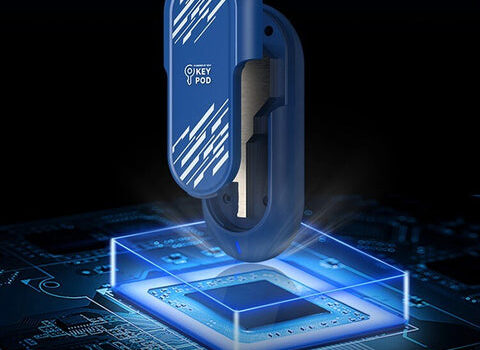
The Pro — its battery story documented separately, borrowed by no one: The Key Pod Pro is the model to compare for its listed cellular connection and display features. Its published cellular setup requires an active QIUI VIP membership, so check supported service conditions before choosing. Do not use a timed box as your only route to emergency access.

Which checks belong before a purchase?
Four lines in one seller message: the claimed standby and active-use figures for this exact model; the charging requirements; the documented low-power behavior; and the return path if real-world endurance disappoints. With those in writing, battery life becomes an evaluable spec instead of a hope — and the comparison between the family’s two boxes becomes legitimate, because each number travels with its own model.
Then run your own baseline on arrival: full charge, normal routine, note the days until the first recharge. One cycle of your real usage is worth more than every claim on the box — and it calibrates the schedule that keeps the box alive.
Standby or active, charged per the manual, low-power behavior documented — three questions and no borrowed numbers. Battery claims are per-model contracts; read the one you’re buying, test it against your routine, and let the spare key cover whatever batteries do. They always do something, eventually.
This guide includes promotional links to ChastityCage.co. To compare the family’s battery specs, browse QIUI wireless products at ChastityCage.co.