Bluetooth key boxes connect locally with no subscription; cellular models reach farther with service conditions. Compare the dependencies honestly.
This guide is not medical advice. Stop use if significant pain, numbness, swelling, discoloration or circulation concerns occur.
Connection type is the real spec behind every smart key box: it decides where the product works, what it depends on, and what an outage means. Bluetooth and cellular are not good-better — they are two different dependency profiles, and choosing wrong is a frustration you wear every day.
This guide compares the two on honest terms: what Bluetooth actually connects, what cellular access requires, and the outage questions your product’s documentation must answer. The system-level map is in the smart key box guide.
What does Bluetooth connect locally?
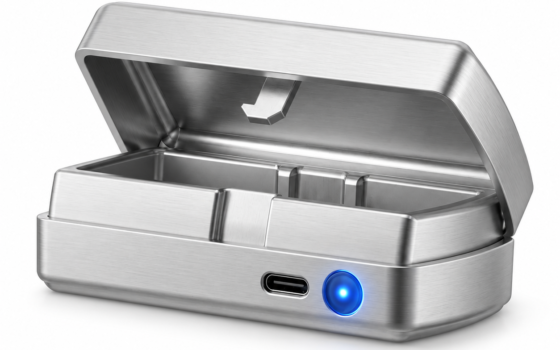
The box to your phone, within radio range — typically a room to a house, not a city. The QIUI Metal Key Pod lists Bluetooth with app control and an offline timer: the phone manages the box when it is near, and the box’s onboard timer governs when it is not. Local connection means no subscription, no network dependency for basic control, and no reach beyond the radio’s honest limits.
Bluetooth’s dependency profile suits key storage especially well, because the box itself lives where you live: the managing phone is usually in the same building by definition. Its constraint is exactly what its name says — local. Plan for the phone being elsewhere, and the offline timer is the feature that matters.
Does remote access require a nearby phone?
On Bluetooth-only hardware, yes by physics: there is no path for commands to reach the box except the local radio, so “remote” means whoever holds the managing phone brings it into range. Long-distance keyholding over a Bluetooth box therefore needs either the box’s timer features or an honest relocation of the box itself.
Cellular hardware exists to remove that constraint — the box carries its own network connection, and commands arrive from anywhere the service reaches. That is the Pro’s headline capability, and the next section is the fine print that comes with it.
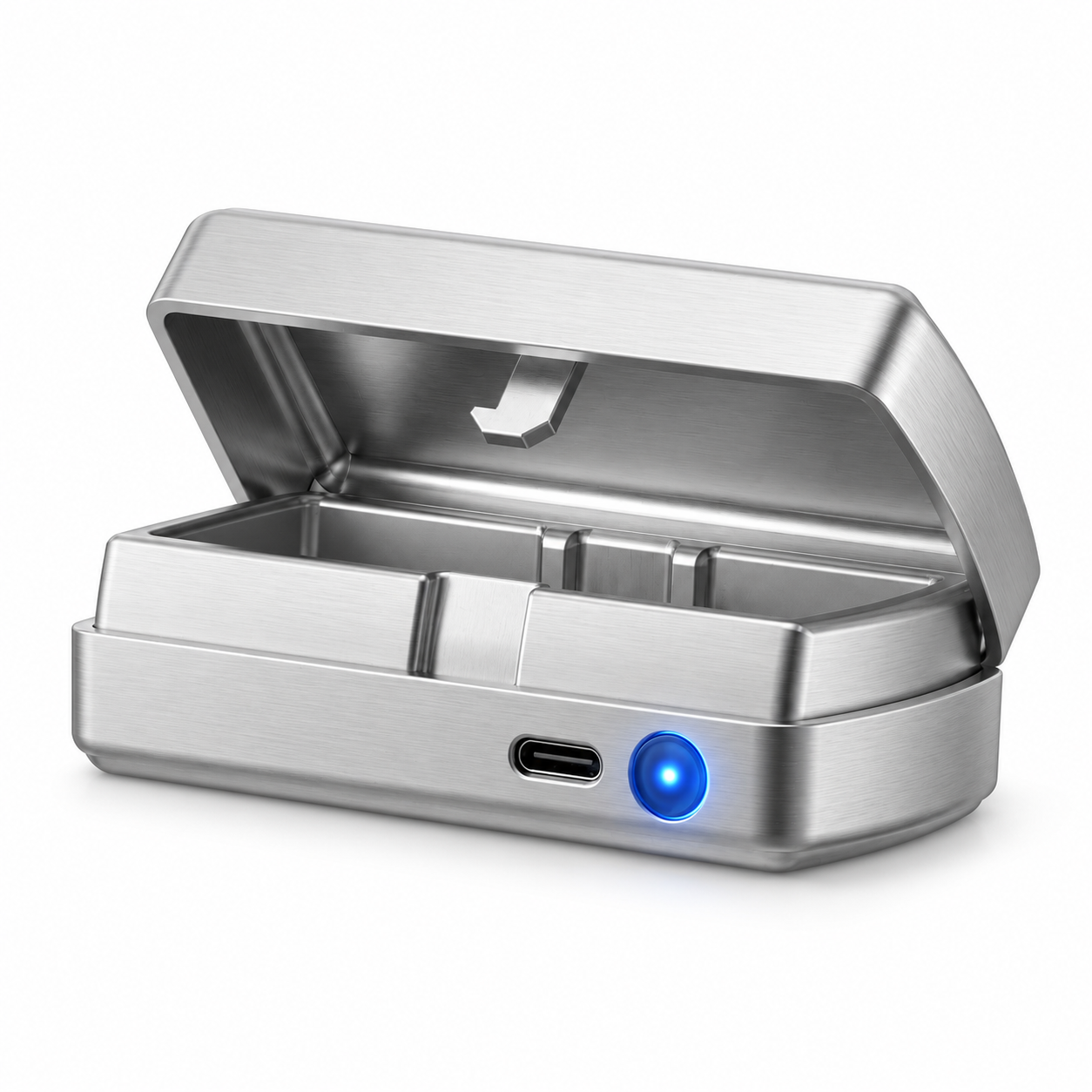
QIUI Smart Key Holder – App-Controlled Metal Key Pod
The Bluetooth-plus-timer pattern: The QIUI Metal Key Pod adds a dedicated metal box for physical keys, with listed Bluetooth/app control, an offline timer and USB-C charging. Choose it for managing the key rather than replacing the cage itself. Keep an independent emergency-access arrangement outside any timed box.

Is a cellular service or membership required?
For the Key Pod Pro, the listing states its cellular setup requires an active QIUI VIP membership — the connectivity is a service with conditions, not a birthright of the hardware. Region availability and service terms belong to the maker’s current documentation; check both for your location before betting a routine on cellular reach. The Metal Pod, by contrast, lists Bluetooth and timer without membership language — a different dependency, stated differently.
The honest comparison is dependency against dependency: Bluetooth depends on your phone’s proximity; cellular depends on a subscription’s continuity and a network’s coverage. Neither is free of strings — the strings are just different, and one of them bills annually.
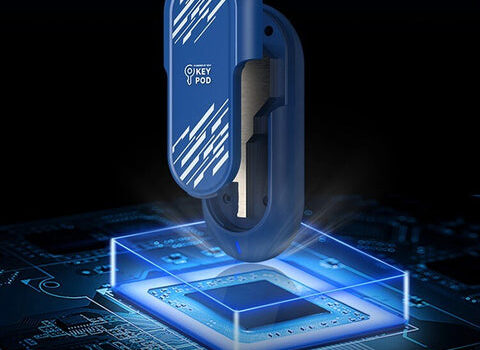
QIUI Key Pod Pro
The cellular pattern — with its stated membership condition: The Key Pod Pro is the model to compare for its listed cellular connection and display features. Its published cellular setup requires an active QIUI VIP membership, so check supported service conditions before choosing. Do not use a timed box as your only route to emergency access.

Which outage questions should the product documentation answer?
Four, in writing, before the box holds a real key: what happens when the phone is dead or the app is gone (the offline path); what happens when the service or membership lapses (the cellular path); what the box does when power or battery fails; and what manual, physical access exists that bypasses electronics entirely. If documentation answers none of these, the product has answered them badly.
Whatever the answers, the standing rule outranks them: the emergency key lives outside any connected box — a boring duplicate in a boring place, reachable by hands without apps. Connection type decides convenience; the spare key decides safety.
Bluetooth is a local contract; cellular is a service contract. Read which one your candidate signs, test its outage behavior before it matters, and keep the emergency key where no contract can hide it. Connection is the spec that decides your daily relationship with the box — choose the dependency, not the brochure.
This guide includes promotional links to ChastityCage.co. To compare connection types, browse QIUI wireless products at ChastityCage.co.