Smart key boxes control a physical key by app; smart cages build in electronics. Neither is an emergency release — independent access stays mandatory.
This guide is not medical advice. Stop use if significant pain, numbness, swelling, discoloration or circulation concerns occur.
“Smart” appears on two completely different products in this category: boxes that hold your existing key behind app permissions, and devices with electronics built in. Shoppers compare prices across the two as if they were variants of one thing. They are not — one controls a key, the other is a device.
This guide draws the system map: where access control actually sits, what each product needs from your phone and network, what happens when connectivity fails, and which independent arrangements stay mandatory. For the relationship context, see the long-distance guide and the emergency-key guide.
Is the key locked away or is the cage itself electronic?
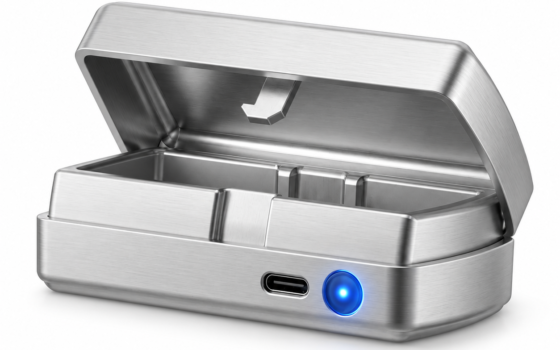
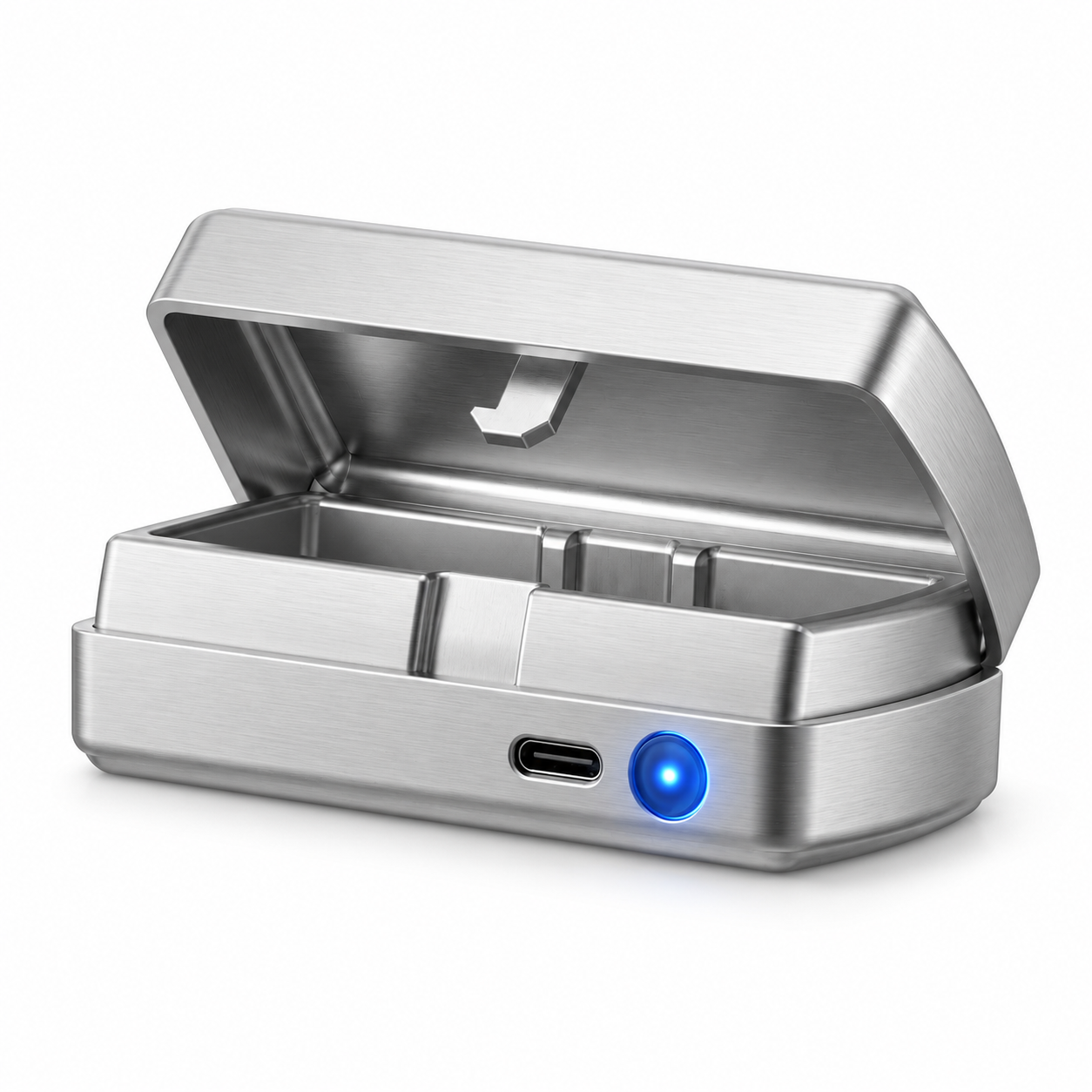
The QIUI Metal Key Pod is the key-box pattern: a metal container that physically stores your existing key, with listed Bluetooth and app control, an offline timer and USB-C charging managing when the box opens. Your cage stays exactly the mechanical device it always was — the box adds a layer around access to the key. The original QIUI Key Pod follows the same pattern in its standard model, with app connection and USB-C.
A smart cage is the opposite architecture: sensors, electronics and locking hardware live inside the device, and the app speaks to the device. The box pattern works with any cage whose key fits; the smart-cage pattern is one integrated product. When a listing says “app-controlled,” your first question is which side of this line it sits on — controlling a key, or being the device.
Which phone or network is required?
Key boxes in this family list Bluetooth as their connection, which means the managing phone must be in range for live control; features like offline timers exist precisely because Bluetooth-only designs must function when nobody’s phone is nearby. Cellular-connected models add a network subscription dimension — the Key Pod Pro’s listed cellular features tie to service conditions on the maker’s side, which you should check for your region before buying.
Practically: Bluetooth means no mobile-data dependency but a range constraint; cellular means range freedom but a service dependency. Write down which one your chosen product uses and test the basics on arrival — pairing, opening, timer behavior — before the system holds a real key overnight. A smart access layer you haven’t tested is a locked box you don’t understand.
QIUI Smart Key Holder – App-Controlled Metal Key Pod
The metal key-box example — Bluetooth/app control, offline timer, USB-C: The QIUI Metal Key Pod adds a dedicated metal box for physical keys, with listed Bluetooth/app control, an offline timer and USB-C charging. Choose it for managing the key rather than replacing the cage itself. Keep an independent emergency-access arrangement outside any timed box.

What happens if the service is unavailable?
This is the question that separates products from marketing. For a Bluetooth key box: phone dead or app unavailable means the box’s offline behavior governs — typically a timer expiry path, plus physical access to the box itself, which is by definition in your home. For a cellular product: service outage, account issues or membership conditions (as the Pro’s listing notes for its cellular setup) can extend the wait indefinitely unless the product documents an offline fallback.
Whatever the answer, it must never be the only path. The category’s standing rule applies to every smart product equally: emergency access does not live inside the smart layer. A second key, outside the box and outside the app, held where the wearer or a trusted person can reach it physically — that arrangement is part of the purchase, not an optional accessory.
Which independent access arrangements remain necessary?
Three, regardless of which smart product you choose: a spare physical key stored outside the smart system; a tested manual path (for a key box, simply breaking out the key it holds is not automatic — the box is a container, so the spare key must be a different copy); and a written understanding between partners about when the smart layer gets bypassed. The smart box manages a ritual; the independent key manages reality.
Framed positively: the smart layer is a convenience and a dynamic, not a safety system. Buy it for what it adds — timed access, remote permission, the ceremony of the app — and keep the boring duplicate key for what it guarantees. Products like the Metal Key Pod are honest about this division; your setup should be too.
QIUI Key Pod — Original
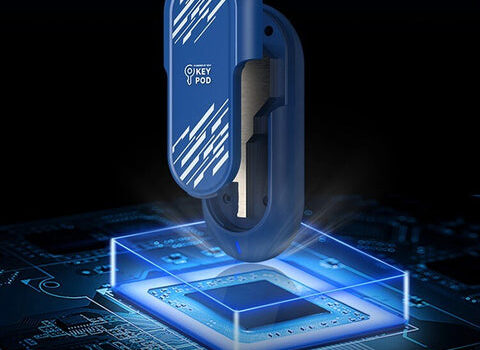
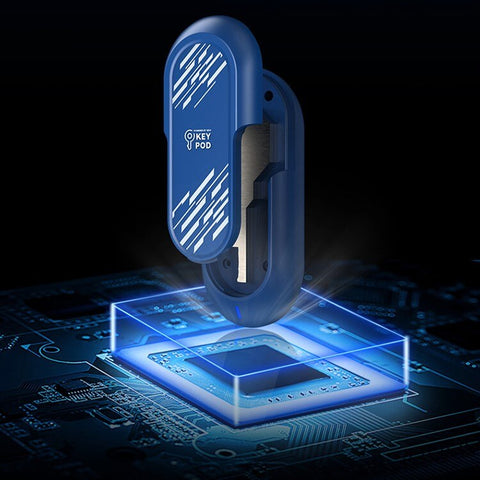
The original model for comparison within the same key-box family: The original QIUI Key Pod is an app-connected physical-key box with listed Bluetooth support and USB-C charging. Compare this exact model with the Metal and Pro versions before choosing. A box that stores the key is not an electronic replacement for the lock on your cage.
Smart describes where access control lives: around the key, or inside the device. Know which product you are buying, test its offline behavior before it matters, and keep an independent key outside the smart layer permanently. The technology earns its place only when the exit never depends on it.
This guide includes promotional links to ChastityCage.co. To compare the smart key-box family, browse QIUI wireless products at ChastityCage.co.